
01
Ubiquiti UniFi
Homes, offices, cottages, small buildings
The best value in business Wi-Fi: Wi-Fi 6E and 7 APs, PoE switches, gateways, cameras and door access in one console with no licence fee. What we install most.

Toronto Wi-Fi fails in predictable places: the back bedroom of a Victorian semi, the boardroom behind a glass wall, the third floor of a King West studio, the patio of a Queen West restaurant. We install wired access points that fix all of them, with a measured heat map to prove it.
Homes, offices, warehouses, restaurants, cottages and barns. Wired access points, measured in every room, no monthly fee.
A full UniFi network build from the internet in to the last access point, plus the cabling and mounting behind it. The same crews come to Toronto.
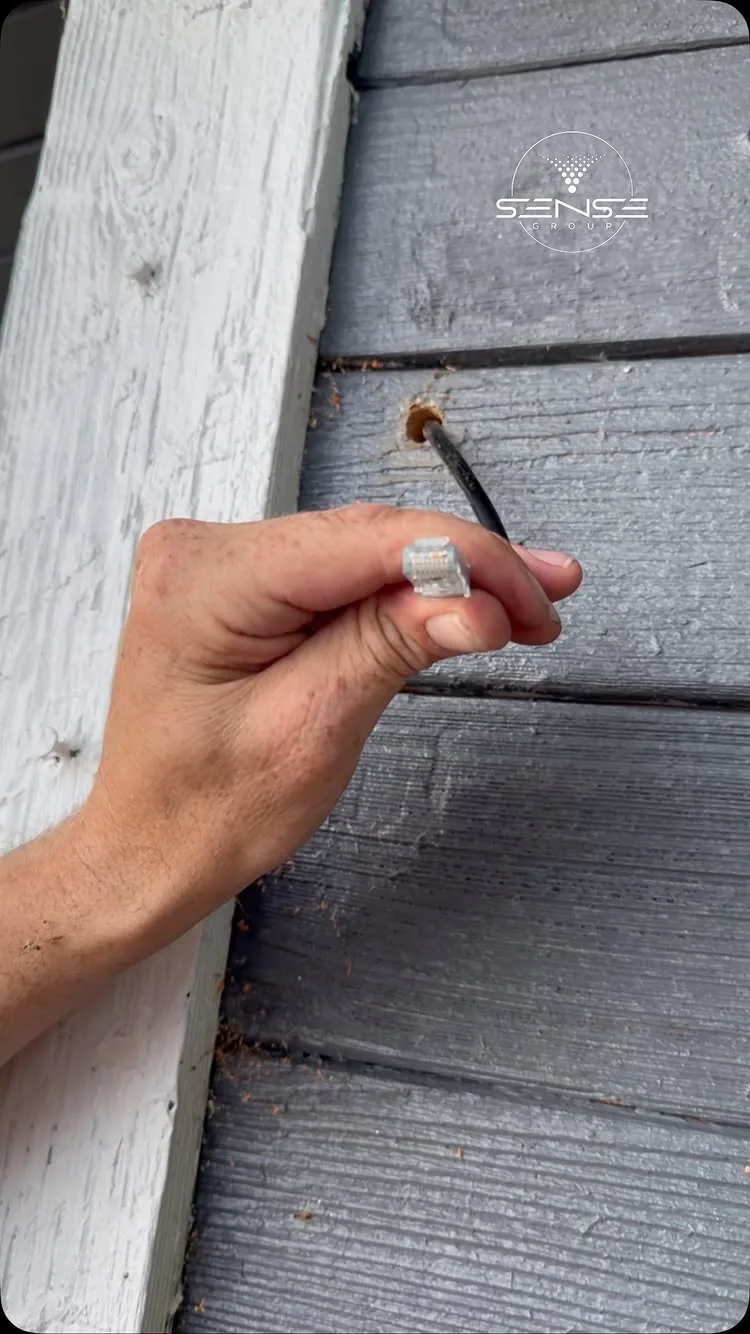
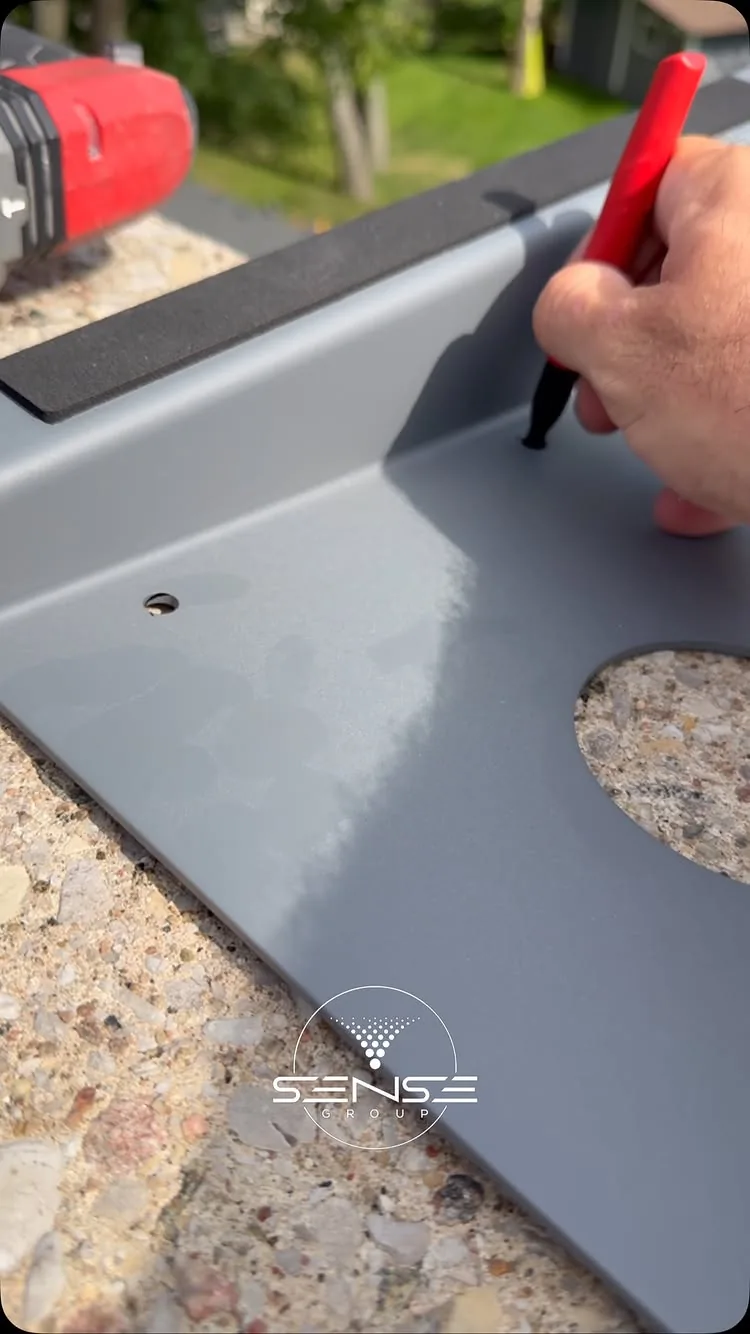
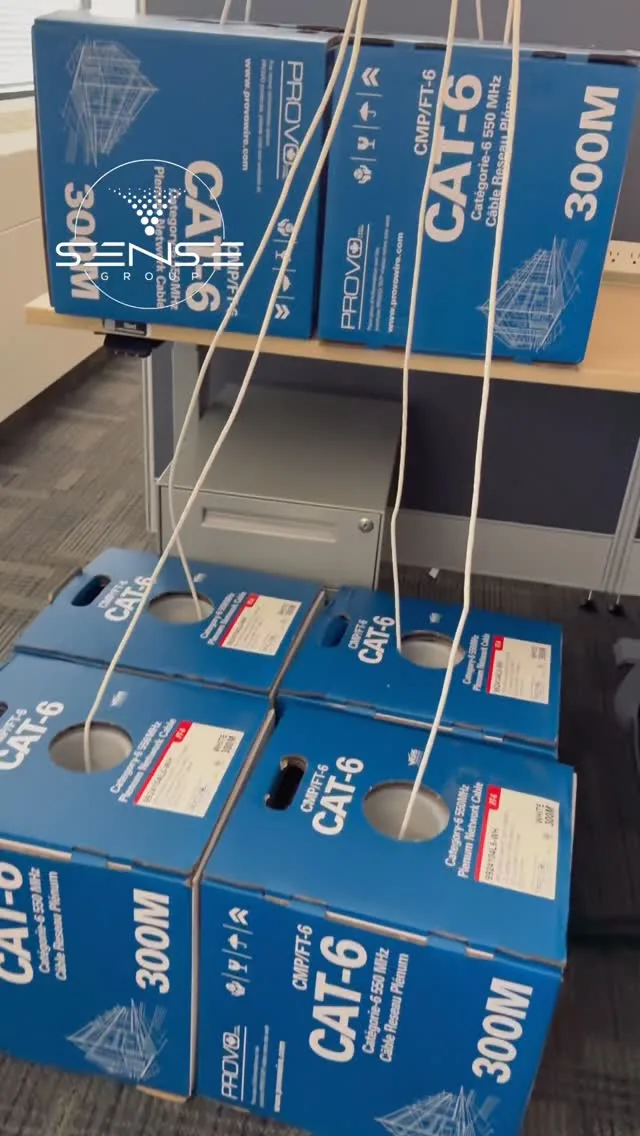
Videos play from YouTube's privacy-enhanced player only when you press play. See all our videos on YouTube.
Ceiling mounts, racks, patch panels and the speed tests that prove them, from our own jobs. The technicians in these photos come to Toronto.
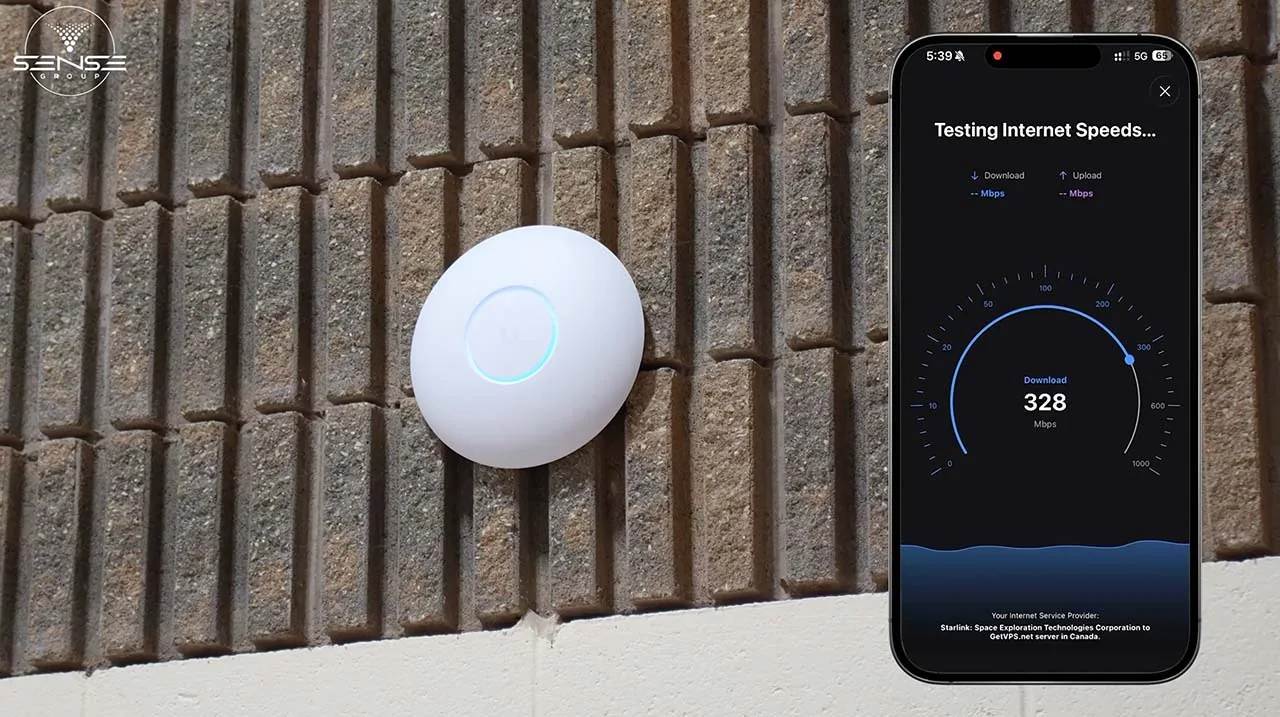
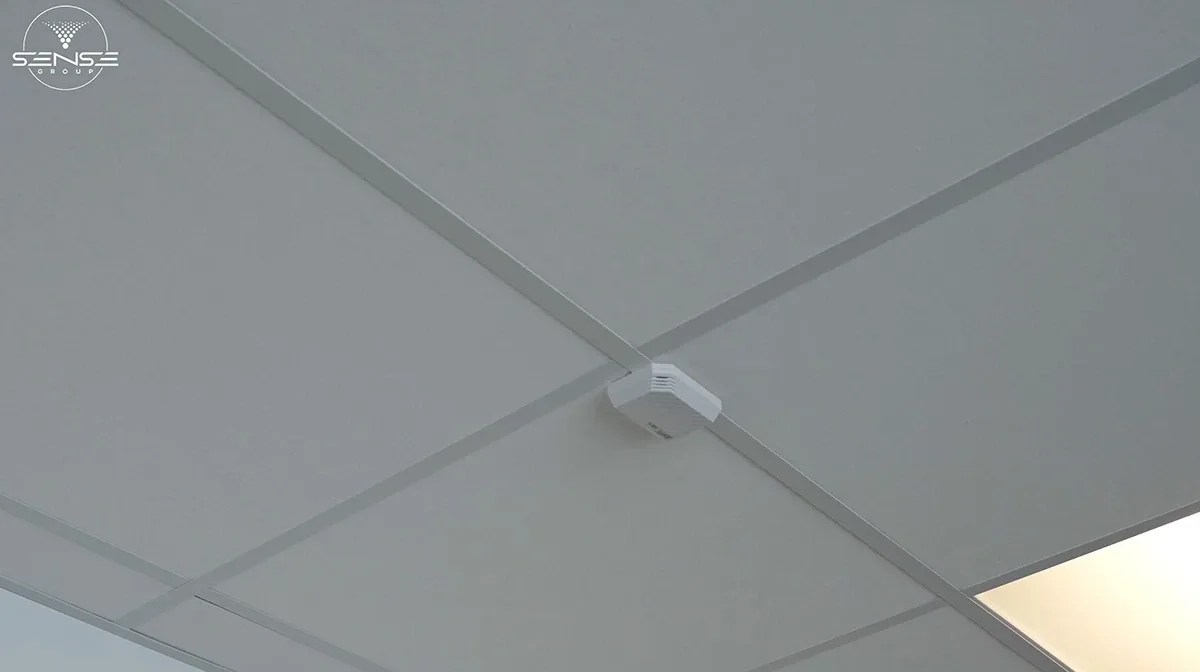
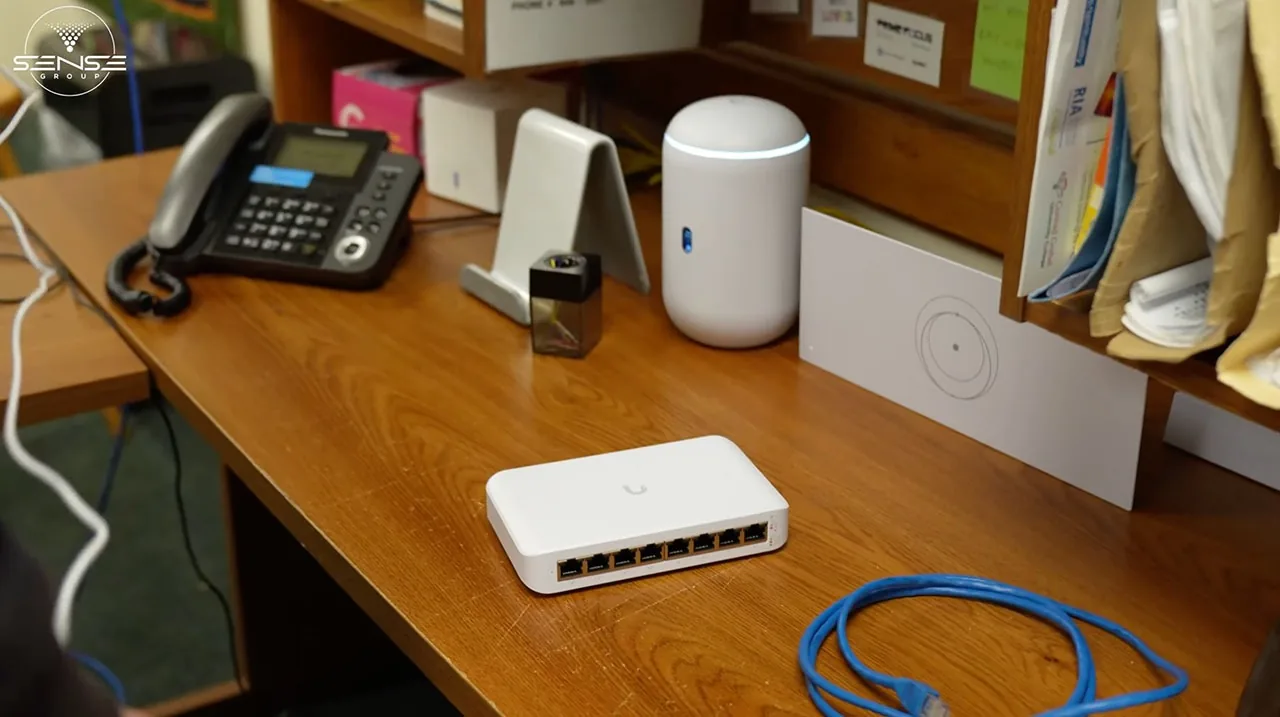

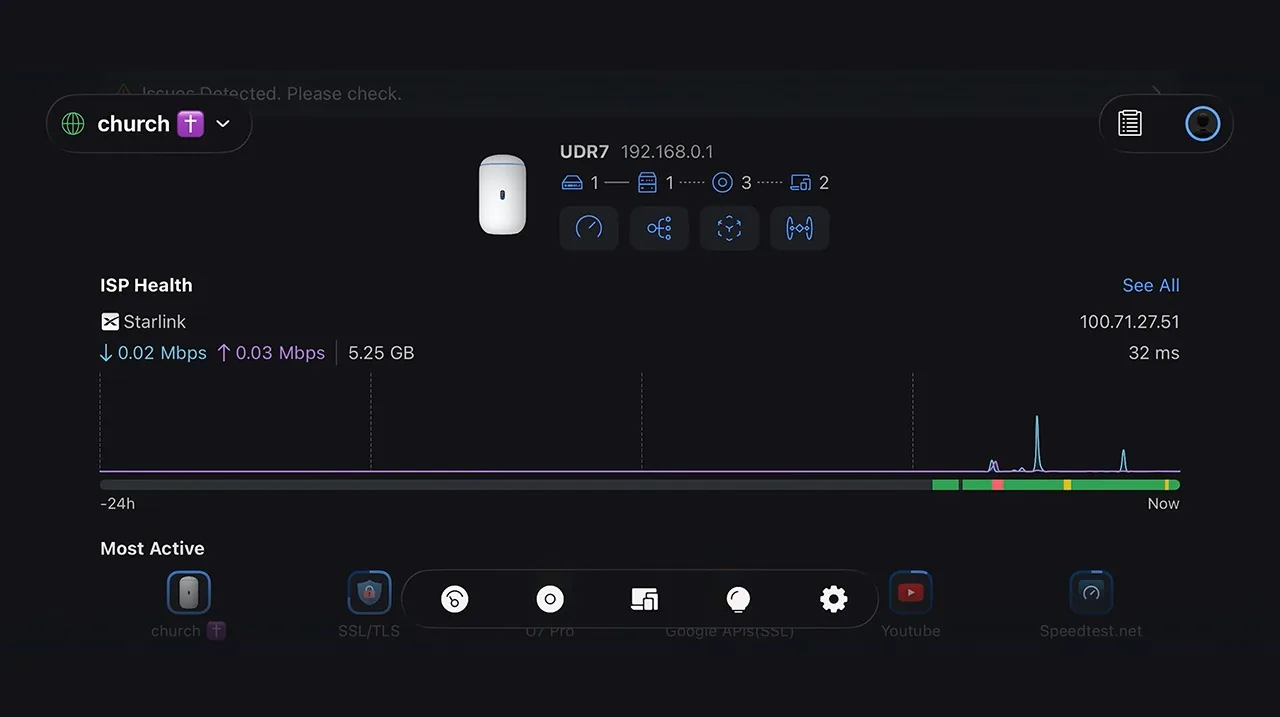
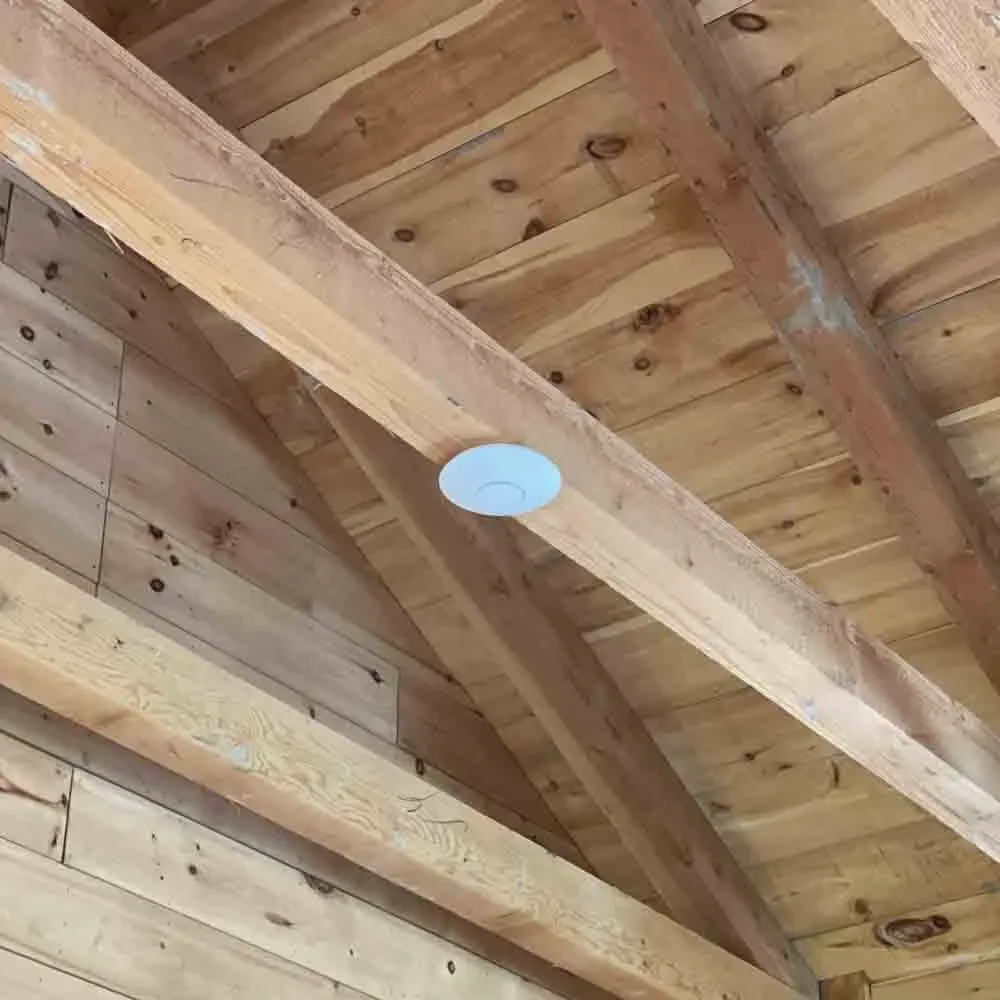
Wi-Fi access point installation in Toronto is mostly about walls and density. Century homes in the Annex, Roncesvalles and Leslieville have lath-and-plaster and brick that kill a single router; offices in the Financial District and King West pack sixty laptops into a floor that one consumer mesh cannot carry; restaurants, clinics and studios need guest and staff networks that do not touch the cameras or the point-of-sale. We cable an access point per zone, tune roaming and hand over the controller.
Book a free Wi-Fi survey in TorontoThe most searched Wi-Fi question and the one a survey answers properly. These are our starting points; walls, ceilings, device counts and interference move the number.
| Store mesh kit | Range extender | Wired access points | |
|---|---|---|---|
| Backhaul | Over the air, halves with each hop | Over the air, halves the speed | Cat6 to every AP, full speed everywhere |
| Far-room speed | 40 to 150 Mbps | 20 to 80 Mbps | 300 Mbps and up, measured |
| Roaming | Works within the kit | Separate network name, manual switch | One name, tuned handoff under 100 ms |
| Devices | Struggles past 30 to 40 | Few | 20 to 30 per AP, add APs as you grow |
| Guest and device networks | One guest network | None | Separate VLANs for guests, staff, cameras, IoT |
| Outbuildings | Will not reach | Will not reach | Bridge or buried run, AP in the far building |
| Monthly fee | Often for features | None | None on UniFi and Omada |
We confirm the count with a predictive design on your floor plan and a measured heat map after the install. The survey fee is credited against the installation.
Access points are a quarter of the job. The cable, the switch, the gateway and the tuning are the rest, and they are why the far room stays fast.
Wi-Fi 6, 6E and 7 access points from UniFi, TP-Link Omada and Cisco Meraki, placed from a heat map, not from where the cable happened to be.
Cat6 or Cat6a from the switch to each access point. Wired backhaul is the difference between a network and a mesh kit; we only use wireless links where a cable cannot go.
Power over Ethernet switches sized for the APs and the cameras, a gateway that does the routing, VLANs and firewall, and a rack or cabinet that is labelled.
Same network name across every AP, band steering, minimum data rates and fast roaming tuned so a phone hands off mid-call without a stutter.
Separate SSIDs and VLANs for guests, staff, cameras and smart devices, a captive portal where you want one, WPA3 everywhere.
Weatherproof APs for patios, pools, yards and parking, directional antennas down warehouse aisles, point-to-point bridges to barns, docks and bunkies up to 5 km.
UniFi and Omada managed from a local controller or the cloud with no subscription; Meraki in its cloud dashboard. You see every client, every AP and every slow spot.
A walk test before, a predictive design, and a measured heat map and speed test in every room after, written on the handover sheet.
We install and manage all of them and recommend by building and budget, not by margin. Most of our Toronto installs are UniFi, because it does the most with no monthly fee.
Homes, offices, cottages, small buildings
The best value in business Wi-Fi: Wi-Fi 6E and 7 APs, PoE switches, gateways, cameras and door access in one console with no licence fee. What we install most.
Budget-conscious offices, restaurants, rentals
Business-grade APs and switches at a lower price point, cloud or local controller, no subscription. Solid where UniFi is more than the site needs.
Multi-site businesses with IT departments
Cloud dashboard, deep analytics and policy, enterprise support, and a per-device licence. The right answer when an IT team or a franchise standard asks for it.
Dense venues and specific client standards
We install and support both where a client's standard or a venue's density calls for them, and we tell you when they are more than you need.
Six steps, usually one day on site for a home or an office of up to eight access points.
Tell us the building, the problem rooms and the device count. A floor plan or a sketch is enough to start.
We walk the site with a survey tool, note walls, ceilings and interference, and design AP positions on your plan.
APs, switch, gateway, cable runs and labour listed per item, with the no-subscription option spelled out.
Cat6 to every AP position, clean ceiling or wall mounts, PoE switch and gateway racked and labelled.
SSIDs, VLANs, roaming and channels set, then a measured heat map and speed test in every room before we call it done.
You get the controller login, the map, the passwords and the installer's number. Remote support for the things you only touch once a year.
Three kinds of Toronto property keep our network crews busy. Each one gets a different access point, mount and network plan.
Ceiling APs per 20 to 30 devices, a PoE switch and gateway in the IT closet, staff, guest and device VLANs, roaming tuned for a floor full of video calls.
One AP per floor on Cat6 through the old walls, a wall cabinet in the basement, outdoor AP for the garden and the laneway garage.
Front and back of house APs, a captive-portal guest network, point-of-sale and cameras on their own VLAN, patio coverage in season.
Installed prices in Canadian dollars, fixed after the survey. Installed, including hardware, Cat6 runs, mounting, configuration, the measured heat map and training. UniFi and Omada carry no monthly fee; Meraki licences are quoted separately.
| Installation | Installed price |
|---|---|
| Single access point, mounted, cabled and configured | $450 to $750 |
| Each additional access point on the same visit | $300 to $500 |
| Home or small office, 2 to 3 APs, PoE switch, gateway | $1,500 to $3,200 |
| Office, 4 to 8 APs, switch, gateway, guest network, VLANs | $3,500 to $8,500 |
| Warehouse, 8 to 20 APs with lift work and aisle design | $9,000 to $28,000 |
| Outdoor access point, weatherproof, cabled | $550 to $950 |
| Point-to-point wireless bridge to another building | $900 to $2,400 |
| Wi-Fi survey and heat map only | $350 to $900, credited against the install |
Plenty of people will screw an access point to a ceiling. Fewer will survey first, cable every one, tune the roaming and measure the result.
Cabling, switching, routing, Wi-Fi, cameras and door access are the same trade to us. The network behind the AP is why ours stay fast.
Predictive design before we drill, measured survey after. You get the map and the speeds in every room, not a promise.
Every AP gets a cable unless a cable is truly impossible. That is the single biggest reason our systems outperform the mesh kit you tried.
UniFi and Omada systems have no monthly fee. We only propose Meraki or a managed service when a client's IT standard needs it.
The people who design the network are the people on the ladder, licensed and insured, and the same crew for your cameras and doors.
Cabling, mounting, terminations and configuration are covered for three years. Hardware carries the maker's warranty, and we handle the claim.
From our 156 Google reviews.
I have hired this company twice now, and so I feel I can highly recommend! The work is extremely well completed and professional, if these are the qualities you look for then do not hesitate to use them.
One of the best technology based service calls I've experienced. Arrival was on time, work was very professional, the installer knew what he was doing and the job was completed in short order.
We couldn't be happier with this service. From the booking process to installation, everyone we dealt with was so professional. Highly recommend!
How many, mesh or wired, cost, monthly fees, guests, outbuildings and warehouses. If yours is not here, call us.
Yes, by not trying to. We put one access point per floor on a Cat6 run through the walls or along the old chases, so no signal has to cross more than one floor or one brick wall. The far bedroom gets the same speed as the living room.
Cabling and mounting happen after hours or on a weekend, the cutover from the old Wi-Fi takes an hour, and the old network stays up until the new one has been measured.
Usually only for the cable path and the ceiling work, and we prepare the drawings and insurance certificate the property manager asks for.
Roughly one per floor of a house, one per 1,500 to 2,000 square feet of open office, one per 20 to 30 devices where people gather, and one every 25 to 40 metres down a warehouse aisle. Walls, in-floor heating, stone and glass change the number, which is why we survey before we quote.
A wired access point every time. Mesh kits relay traffic over the air, so every hop halves the speed and adds delay. Access points on Cat6 give full speed in every room. We only use a wireless link where a cable truly cannot go, and then we use a proper point-to-point bridge.
Yes, in bridge mode or as the modem only. The gateway we install does the routing, firewall and VLANs, the access points do the Wi-Fi, and the provider's box just hands over the connection. You can switch providers later without touching the network.
A single AP mounted, cabled and configured is $450 to $750, additional APs $300 to $500 each. A home or small office with two or three APs, a PoE switch and gateway is $1,500 to $3,200; an office of four to eight APs $3,500 to $8,500. Fixed after the survey.
Not on UniFi or TP-Link Omada: you own the controller and the software. Cisco Meraki and some managed services carry a per-device licence; we propose those only when an IT standard needs them, and we show both costs over five years.
Yes. Cat6 or Cat6a to every access point position, through ceilings, walls and conduit, terminated on a patch panel and tested. Cabling is most of the work and most of the difference.
Wi-Fi 6 is the sensible default for most homes and offices today. 6E and 7 add the 6 GHz band, which is worth it in dense offices, for newer laptops and phones, and anywhere you want headroom for ten years. The cabling is the same either way, so the upgrade later is just the AP.
Yes. A guest network on its own VLAN with client isolation and, if you want it, a branded captive portal with a daily password or a sign-in page. Staff, cameras and smart devices each get their own network too.
Yes. Every access point broadcasts the same names, and we tune roaming so phones and laptops hand off to the nearest AP without dropping a call. That handoff is the thing most self-installs get wrong.
Yes. A buried Cat6 or fibre run where the distance allows, otherwise a point-to-point wireless bridge up to several kilometres, then an access point in the far building. Repeaters and extenders are not on the list.
A home or office up to eight access points is usually one day including cabling. Warehouses with lift work and offices over eight APs run two to four days, phased so nobody loses Wi-Fi during the day.
Yes. Aisle-by-aisle design with directional or high-gain APs, roaming tuned for scanners moving on forklifts, coverage in the trailers at the dock, and a separate network for the warehouse management system. We install from lifts around your shifts.
Because the bottleneck is between the router and your device, not between the router and the internet. One router in a corner, a wall or a floor in the way, too many devices on one radio and a crowded channel all cut a 1 Gbps plan to 50 Mbps in the far room. Wired access points in each zone remove the bottleneck; we measure it before and after.
Yes. Offices, restaurants and clinics are usually done outside business hours, and the cutover from the old Wi-Fi takes about an hour with the old network left up until the new one is measured.
Yes, if they are business-grade (UniFi, Omada, Meraki, Aruba) and suit the building. We survey first, tell you if the count or the model is wrong, and warranty our work either way.
Yes. We audit the controller, cabling and AP positions, reuse what is sound, re-cable or re-position what is not, and hand you admin access that belongs to you.
Hardware carries the manufacturer's warranty, one to five years depending on the brand. Our cabling, mounting, terminations and configuration carry a three-year workmanship warranty.
We cover the whole region from our base in King City. Nearby Wi-Fi pages:
Tell us the building, the rooms that fail and roughly how many devices. A floor plan or a sketch helps. We design the access point positions, send a fixed price, and measure every room when we are done.