
Door-by-door site survey, free
We walk every opening with you: door material, frame, swing, existing hardware, fire rating, power and cable path. You get a door schedule and a fixed price per door before anything is ordered.
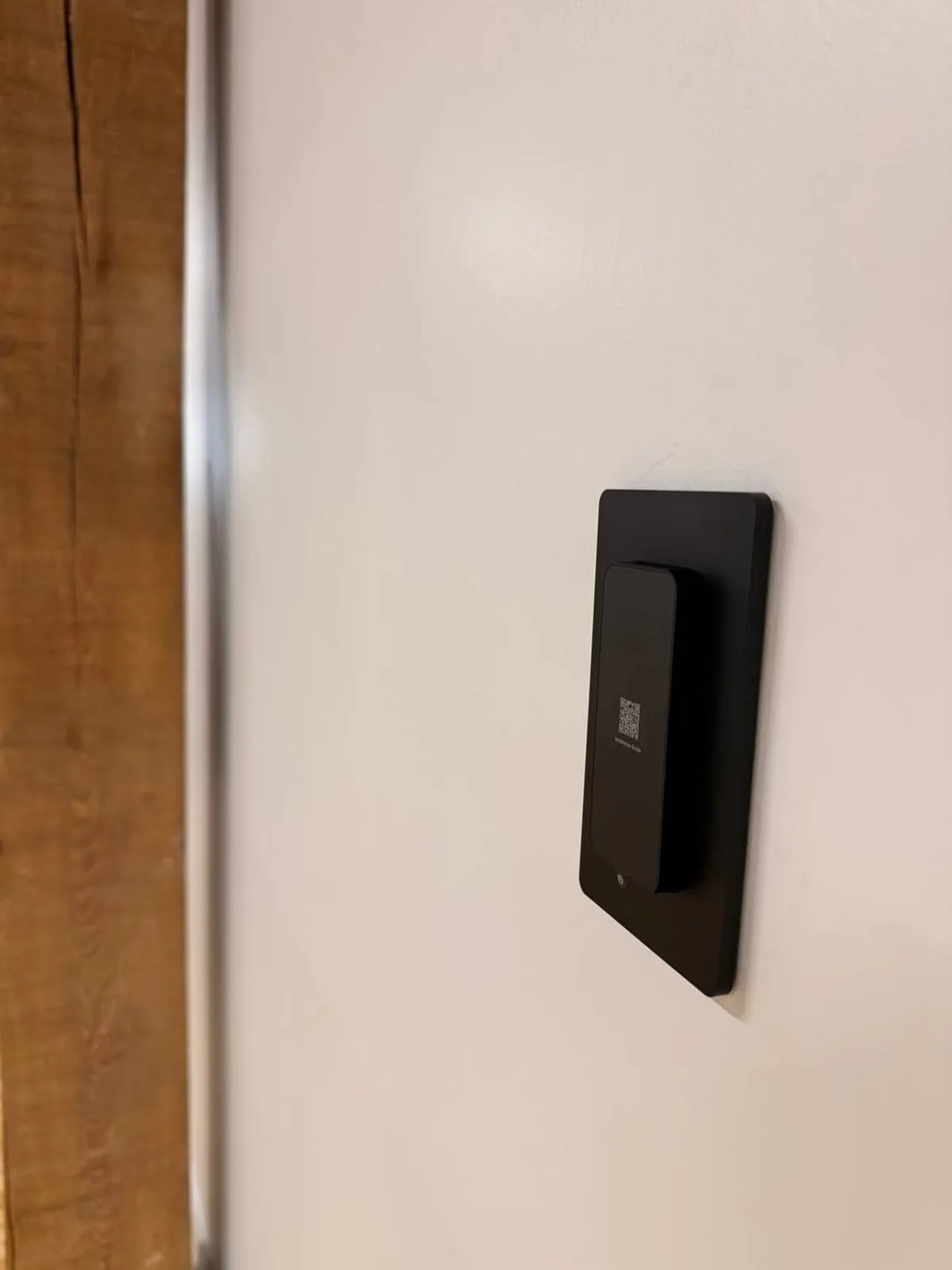
From a King West studio with one glass door to a 40-storey tower with fobbed amenity floors, access control in Toronto is about managing people at scale: staff, tenants, couriers, cleaners and contractors, through doors that must also open the instant the fire alarm sounds. We design, install and program it.
Key fob, card, mobile, keypad and biometric entry for offices, plants, condos, clinics, schools and estates. Fixed price per door.
We walk every opening with you: door material, frame, swing, existing hardware, fire rating, power and cable path. You get a door schedule and a fixed price per door before anything is ordered.
Fail-safe where life safety demands it, fail-secure where the insurer does, free egress on every exit, tied to the fire alarm where the Ontario Building Code requires it, accessible operators left working.
Readers, locks, controllers, cabling and programming are covered for three years. Lost fob at 7 am on a Monday? You have the installer's number, not a ticket queue.




Coverage of our Ontario service expansion, November 2025.
Our access control installation work in Toronto is mostly commercial and multi-residential: offices and studios in King West, Liberty Village and the Junction moving from keys to UniFi Access and SALTO; condo corporations downtown replacing cloned fobs and orphaned Kantech panels; clinics on Yonge and Bloor that need an audit trail for the college; and warehouses in Etobicoke and Scarborough tying dock doors and gates into ICT Protege. Glass storefronts, heritage doors and property-manager approvals are the Toronto specialties.
Short clips from real jobs: a Toronto tower, SALTO locks, UniFi Access readers and the cabling behind them. The same crews come to Toronto.
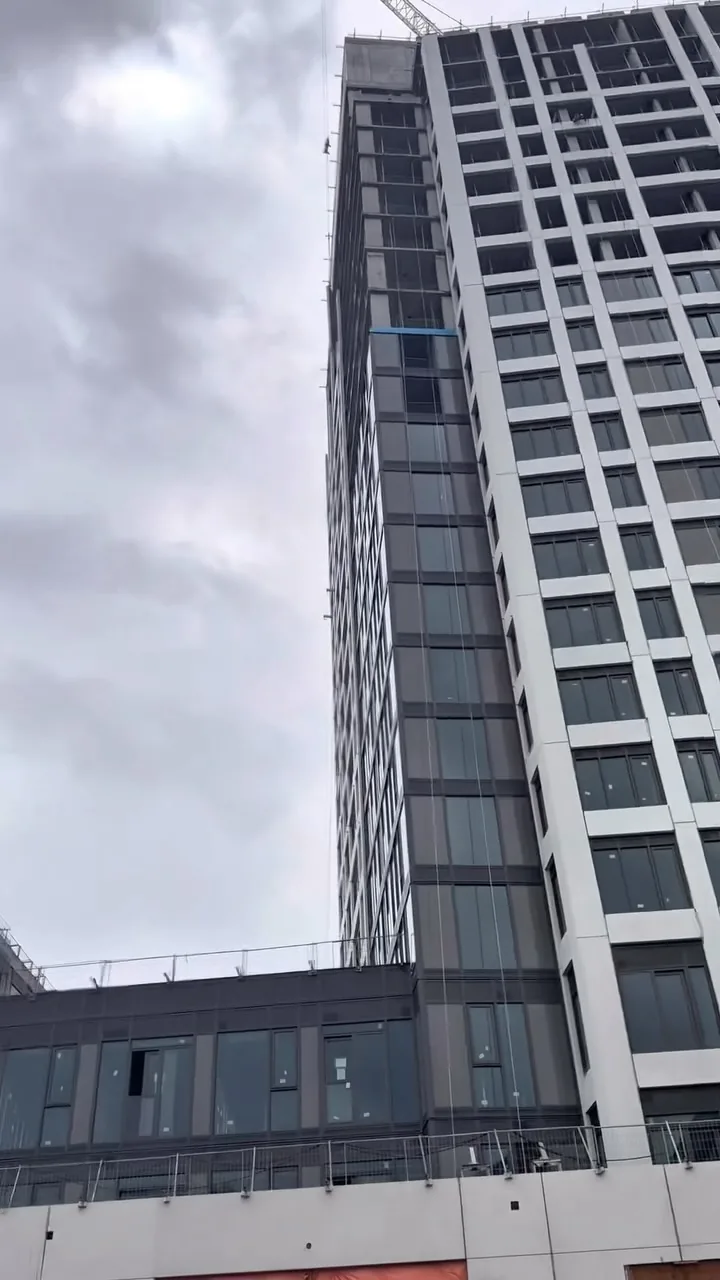
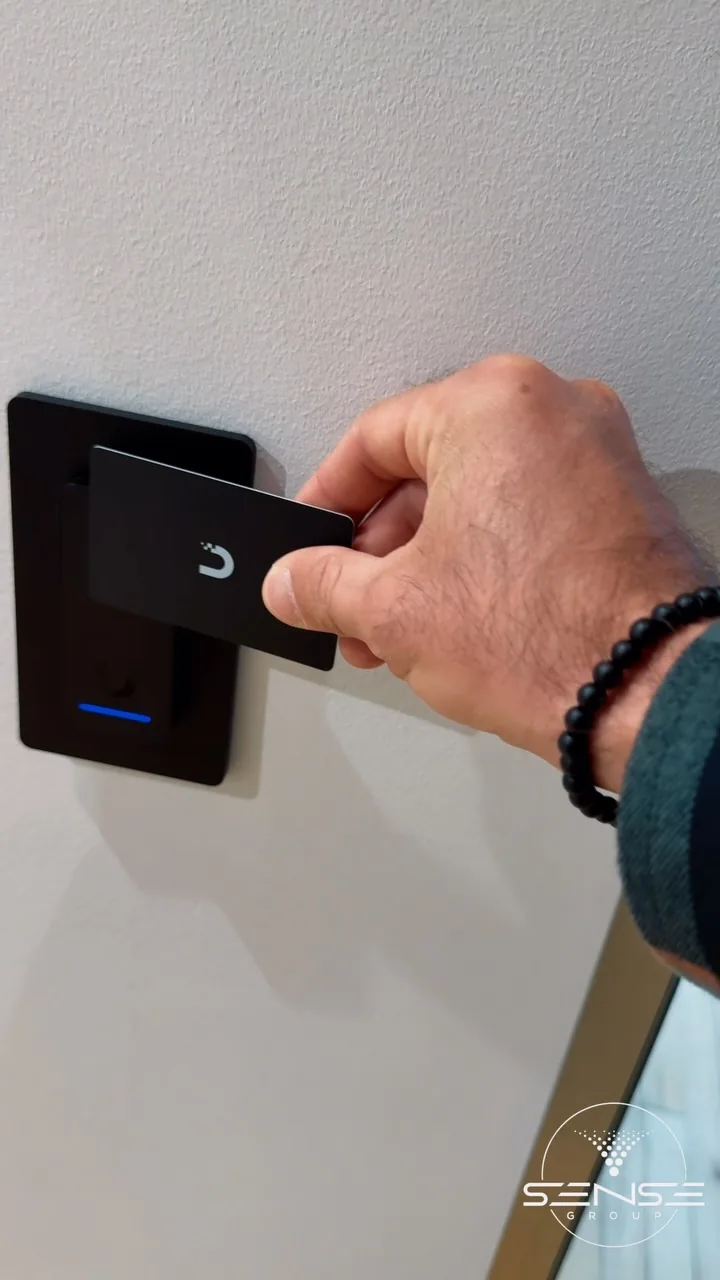
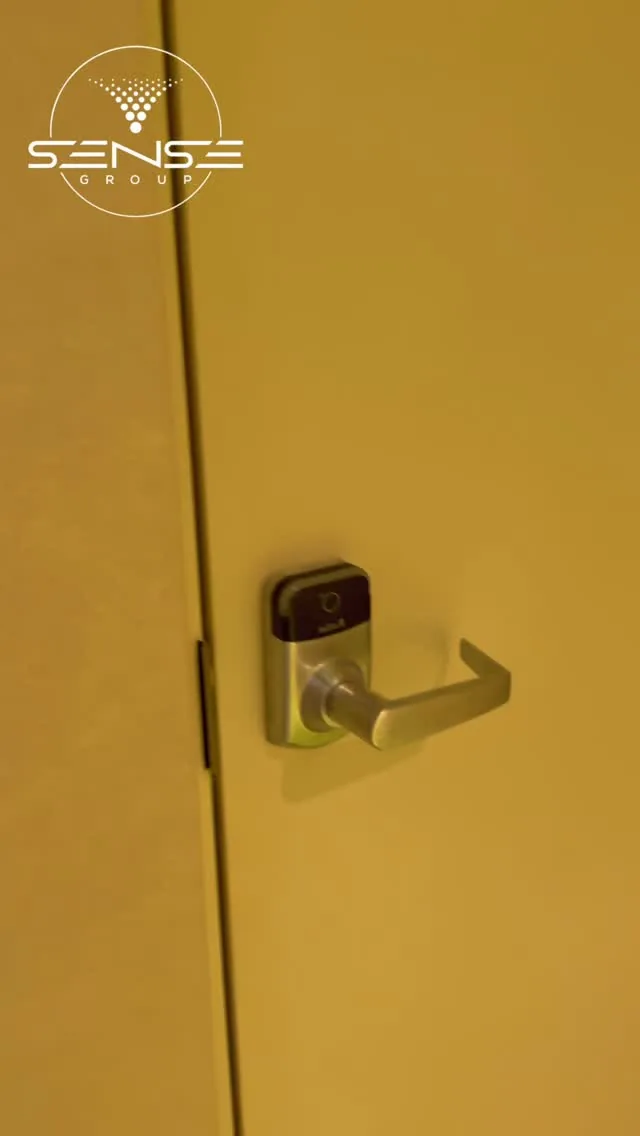
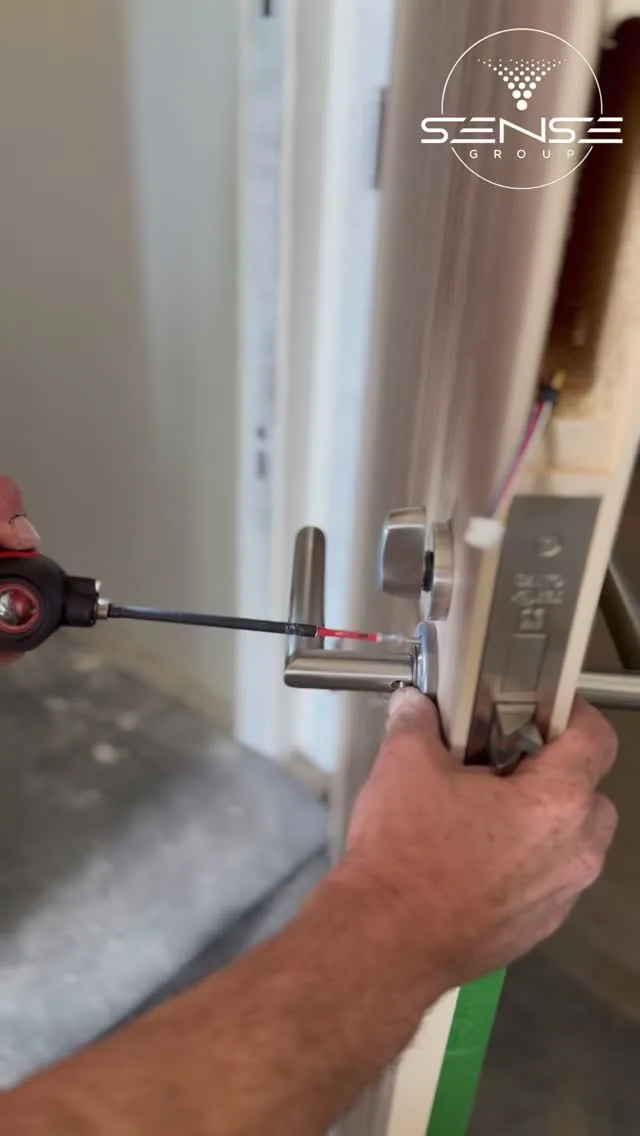
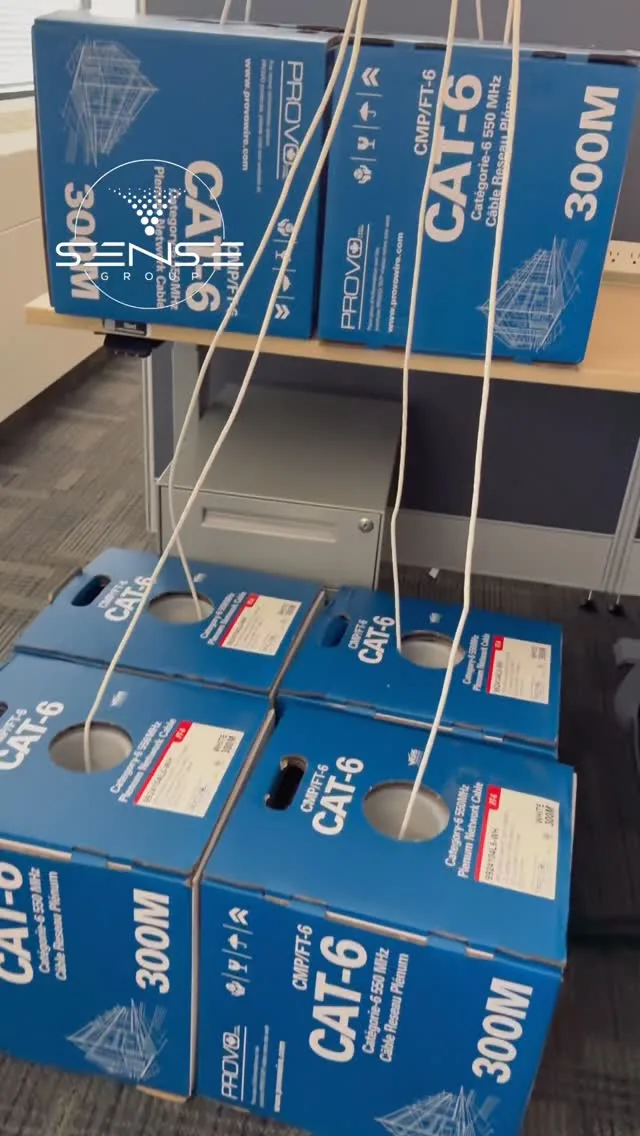
Videos play from YouTube's privacy-enhanced player only when you press play. See all our videos on YouTube.
Three kinds of Toronto property keep our door crews busy. Each one gets a different platform, credential and lock.
Glass suite doors on maglocks with request-to-exit, UniFi Access or SALTO on interior rooms, mobile credentials for staff, visitor QR passes at reception, cameras on the same console.
Lobby, parking, amenity, mailroom and garbage room doors, resident fob re-issue, video intercom to resident phones, concierge management and elevator floor control, phased so the building is never unlocked.
Employee entrances, dock man-doors, shipping offices and yard gates on ICT Protege with time and attendance, plate readers at the gate, cameras tied to door events.
An access control installation is decided door by door. This is the guide we work from on every Toronto survey, and the part most installers never explain.
Fail-safe unlocks when power is lost and is what the code wants on egress doors with maglocks. Fail-secure stays locked and is what you want on everything that protects people, stock or data. Every door gets battery backup either way.
Most systems we install mix several credential types on one platform. These are the options and where each one belongs.
Encrypted MIFARE DESFire and HID credentials, not the cloneable 125 kHz proximity fobs still sold with cheap kits. One fob covers every door the person is allowed through.
Phone and watch unlock over Bluetooth and NFC through UniFi Identity, SALTO KS or Verkada Pass. Issue and revoke from a browser; nobody shares a phone the way they share a fob.
Keypads for low-risk doors and after-hours entry, card plus PIN for server rooms and dispensaries, time-limited codes for contractors and cleaners.
Biometric readers where credentials must not be shared: pharmacies, labs, cash rooms, data centres. Templates stored on the device or controller, never as images.
Plate readers that open gates and garage doors for registered vehicles, with long-range tags for fleets and residents.
Video intercoms that call the office or a resident's phone, remote door release, visitor QR passes and delivery PINs tied into the same system.
Readers are the visible part. Strikes, maglocks, controllers, door contacts, exits and power supplies are what decide whether the system still works in year five.
Strikes for wood and hollow-metal doors that keep the mechanical latch, maglocks for glass and aluminum storefronts, both matched to the door's fire rating and swing.
Flush, mullion and surface readers for every frame width, vandal and weather rated outdoors, OSDP wiring so a reader cannot be spoofed from the outside of the wall.
ICT Protege controllers for enterprise sites, UniFi Access hubs for offices, in a locked cabinet with supervised power supplies and battery backup.
Door contacts, REX sensors and exit buttons so the system knows a door is open, propped or forced, and every exit is free without a credential.
SALTO and UniFi wireless locks for interior doors, hotel-style and bike-room doors where running cable is not worth it, managed from the same software.
Operators, loop detectors and plate readers at vehicle gates, turnstiles and speed lanes in lobbies, floor-by-floor elevator control through the car reader.
We are certified on four platforms and recommend by building, not by margin. All of them run cameras and intercoms alongside the doors.
Multi-door commercial, industrial, multi-site
Enterprise controllers that run access, intrusion and elevators on one platform, keep working without the network, and scale from four doors to four buildings. Our go-to for warehouses and plants.
Offices, studios, small buildings
Readers, hubs and intercoms on the same UniFi console as the cameras and Wi-Fi, mobile unlock, no per-door subscription. The best value for an office that already runs UniFi.
Interior doors, rentals, hospitality, clinics
Wireless electronic locks and cylinders that fit existing doors, cloud managed, with mobile keys and schedules. Keyless access without cabling every door.
Cloud-first, multi-location businesses
Cloud-managed door controllers with the cameras, intercoms and alarms in one browser, enterprise user management and a subscription that includes the software.
ICT Protege and UniFi Access have no per-door subscription. Verkada and SALTO KS include their cloud software in a licence. We lay both costs out over five years before you choose.
Schedules, audit trails, remote unlock and lockdown are the reasons Toronto businesses replace keys. These come configured, not as a manual.
Who, which doors, which hours. Cleaners after 8, contractors this week only, managers everywhere.
Every valid, denied, forced and propped door event with a timestamp, searchable and exportable for HR and insurers.
Open the front door for a courier from your phone; lock every door in the building from one button.
A door event pulls up the matching clip. The intercom call shows the visitor and the door it is at.
QR codes, PINs and mobile passes that expire on their own, with the sign-in log attached.
Arm and disarm from the reader, and release fail-safe doors on fire alarm as the code requires.
Stop a fob being handed back through the gate; count who is inside for safety musters.
Users created and removed from Microsoft Entra ID or Google Workspace, so a leaver loses the door the day they leave.
A door entry system is a different job in a warehouse, a condo lobby and a pharmacy. We do all of them, usually with the cameras.
Suite doors, server rooms, after-hours entry and shared lobbies, integrated with the cameras and the tenant directory.
Dock man-doors, shipping offices, tool cribs, gates and employee entrances on ICT Protege with time and attendance.
Lobby, parking, amenity and mailroom doors, resident fobs and intercoms, concierge management and move-in and move-out workflows.
Dispensaries, drug storage and staff doors with audit trails that satisfy the colleges and the privacy officer.
Single point of entry with video intercom and door release, classroom lockdown, scheduled unlock for pickup.
Stockroom and office doors, 24-hour gym entry with member fobs, kitchen and bar back doors.
Property managers call us with the same four problems. Each has a fix that does not mean ripping the building apart.
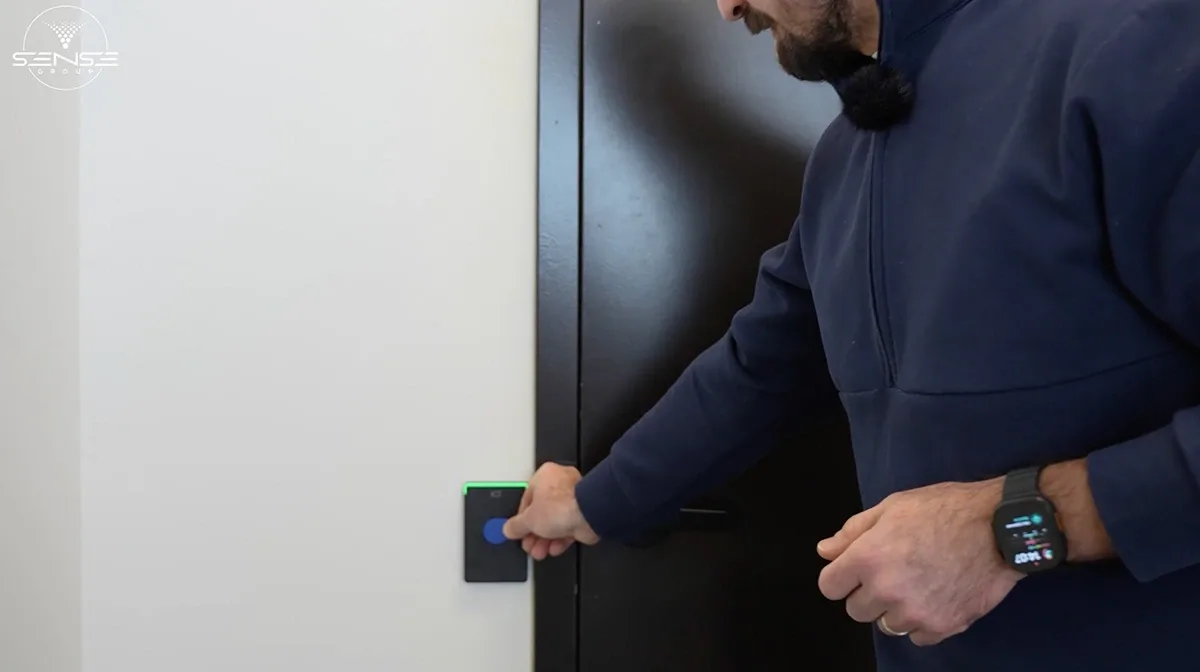
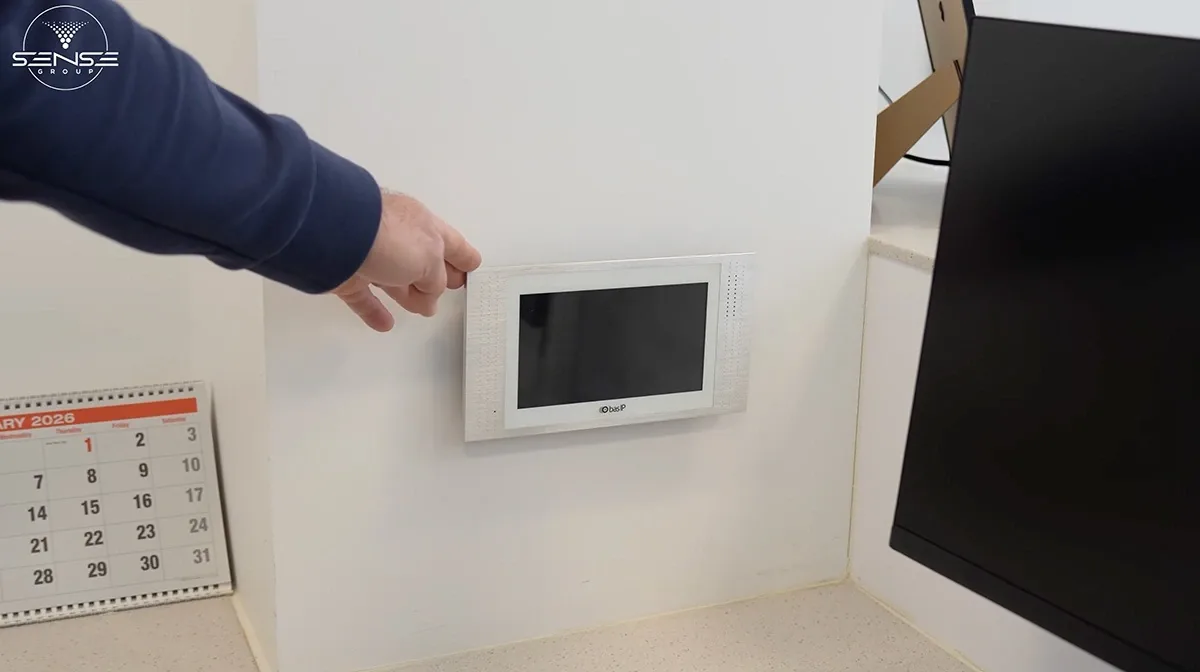
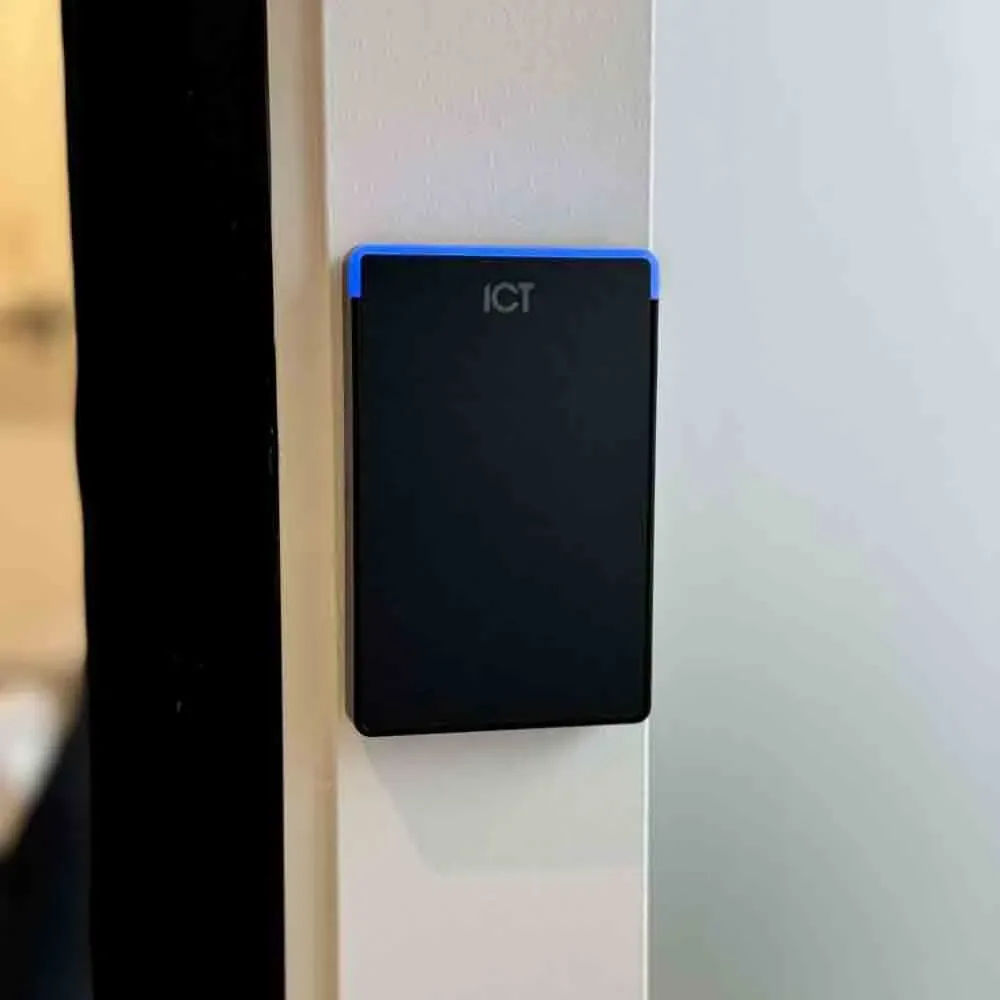
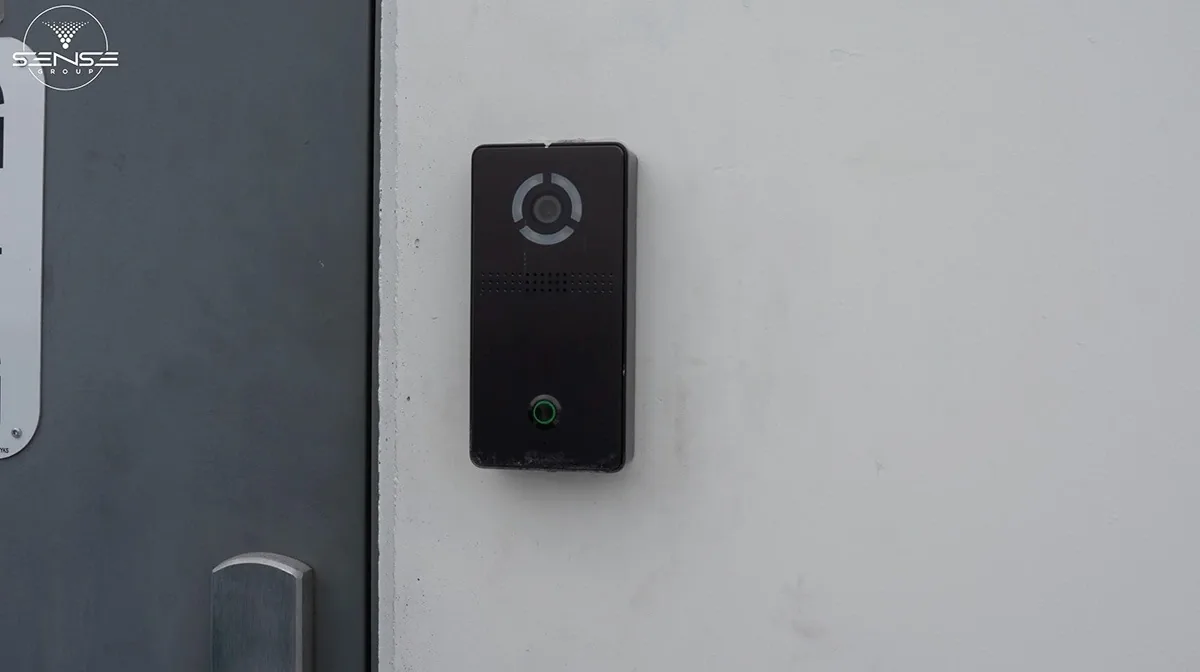
Readers, locks, cabinets and intercoms from our own jobs, not stock photos. The technicians in these pictures come to Toronto.

Installed prices in Canadian dollars, fixed after the door survey. Installed, including hardware, cabling, power, programming and training. Cloud platforms (Verkada, SALTO KS) carry a per-door or per-site subscription; ICT Protege and UniFi Access do not.
| Installation | Installed price |
|---|---|
| Single door, keypad or reader with electric strike | $1,200 to $2,000 |
| Per additional door, card or mobile, wired | $1,500 to $3,000 |
| Per interior door, SALTO or UniFi wireless lock | $900 to $1,600 |
| Glass storefront door with maglock and exit devices | $2,200 to $3,800 |
| Video intercom with door release, single entrance | $1,800 to $4,500 |
| Vehicle gate with plate reader or long-range tags | $4,000 to $9,000 |
| Office, 4 to 8 doors with cameras integrated | $9,000 to $22,000 |
| Multi-tenant building or plant, 12 doors and up | Quoted per door schedule |
Plenty of companies sell readers. Fewer survey every door, get the fire code right, build the network behind it and answer the phone when a fob goes missing.
Certified ICT Protege installers, UniFi and SALTO trained. We program the system we install rather than handing you a login and a manual.
The people who quote your doors are the people who hang the strikes and terminate the readers. Licensed, insured, same crew as our camera and network work.
We run the cable, build the network, install the cameras and tie them to the doors, so a forced door shows you the clip and the intercom rings the right phone.
Fire rating, egress, accessibility and fire alarm interface are checked on every opening and documented in the handover, which is what your fire inspector and insurer will ask for.
Hardware carries the maker's warranty; our installation, cabling and programming carry ours. If a door misbehaves, we come back.
The door schedule turns into a fixed quote: hardware, cable, labour and programming per opening. No surprise change orders after the ceiling tiles come down.
Six steps. A single door takes half a day; a four to eight door office one to two days; larger buildings are phased door by door.
We walk every door with you and record material, frame, swing, hardware, fire rating, power and cable path, then agree what each door must do.
Platform, credentials, lock type per door, controller locations and network, on a drawing with a fixed price per opening.
Composite access control cable to every door, power supplies with battery backup in a locked cabinet, network drops for controllers and intercoms.
Strikes, maglocks and wireless locks fitted and adjusted, readers mounted at accessible height, door contacts and exits wired, cabinet terminated and labelled.
Users, levels and schedules loaded, fire alarm interface and egress tested on every door, cameras and intercoms linked, lockdown rehearsed.
Your admins learn to add and remove people, pull reports and handle a lost fob. You get the drawings, the door schedule and the installer's number.
From our 156 Google reviews.
I have hired this company twice now, and so I feel I can highly recommend! The work is extremely well completed and professional, if these are the qualities you look for then do not hesitate to use them.
One of the best technology based service calls I've experienced. Arrival was on time, work was very professional, the installer knew what he was doing and the job was completed in short order.
We couldn't be happier with this service. From the booking process to installation, everyone we dealt with was so professional. Highly recommend!
Cost per door, fobs and phones, fire code, outages, cloud versus on-premise and takeovers. If yours is not here, call us.
We prepare the approval package most Toronto property managers ask for: drawings, hardware cut sheets, insurance certificate and a fire alarm interface plan. Where the base building has its own system we integrate at the suite door rather than fight it.
Replace the readers and credentials with encrypted DESFire fobs on an ICT or UniFi platform, migrate the resident list, and re-issue fobs unit by unit through the concierge so nobody is locked out. Old cloneable fobs stop working on a date you choose.
A single wired door is usually done within the week, half a day on site. If your office already runs UniFi, a reader and hub on the existing network is the quickest install there is.
A wired door with a reader, electric strike, door contact and request-to-exit runs $1,500 to $3,000 installed, depending on the door, the cable run and the platform. A single keypad door starts around $1,200. Glass storefronts with maglocks and gates with plate readers cost more; wireless interior locks less. We quote a fixed price per door after the survey.
It depends on the platform. ICT Protege and UniFi Access have no per-door subscription; you own the software. Verkada and SALTO KS are cloud services with a per-door or per-site licence that includes the software, updates and remote management. We lay out both costs over five years before you choose.
Encrypted fobs or cards for most staff, mobile credentials for people who already carry a phone everywhere, keypads for low-risk doors and contractors, and a second factor on doors that protect cash, drugs or data. Most systems we install mix all of them on one platform.
Yes. Glass and aluminum storefront doors take a maglock on the header with a request-to-exit sensor and an exit button, or an electrified panic bar on the door. We size the maglock for the door, keep egress free and tie the lock to the fire alarm where the code requires.
Controllers and locks run on battery backup at the panel for hours. Doors are set to fail the way the code and your risk require: fire exits fail safe and unlock, perimeter and secure doors fail secure and stay locked, and the mechanical key still works.
Yes, and it should. On UniFi, ICT and Verkada a door event pulls up the matching camera clip, the intercom shows the visitor and releases the right door, and the alarm arms from the reader. We install all three as one network.
A single door takes half a day. A four to eight door office takes one to two days including cabling, programming and training. Multi-tenant buildings and plants are phased door by door so the building is never left unlocked or locked out.
Usually. Sound cabling, door hardware and sometimes locks are reused. We migrate the user list, replace the panel with ICT or UniFi, re-issue encrypted fobs in a controlled rollout and hand you admin access that belongs to you.
Yes. Every electrified door gets free egress, rated doors keep their listing, fail-safe locks release on fire alarm, and the fire alarm interface is tested and documented at handover. That paperwork is what the fire inspector and your insurer will ask to see.
Yes. Admins add and remove people, change schedules, unlock a door for a courier and pull reports from a browser or the app. We train your admins at handover and stay on call for the things you only do once a year.
Yes: smart locks, keypads, gate controls and video intercoms for houses, estates and short-term rentals, usually alongside cameras and Wi-Fi. For estates with staff and contractors we install the same ICT or UniFi systems we put in offices.
On-premise (ICT Protege, UniFi Access) means no subscription, your data in your building and doors that work with no internet at all; you look after the server or console. Cloud (Verkada, SALTO KS) means a per-door licence, updates and remote management done for you, and doors that still work locally if the internet drops. We price both over five years and recommend by building, not by margin.
Usually not for the access control itself, but electrified locks on fire exits and maglocks on egress doors must meet the Ontario Building Code and Fire Code and are checked at fire inspections. Where a door operator or new electrical circuit is added, the electrical work goes through the ESA. We handle the code side and document it in the handover.
Cheap 125 kHz proximity fobs can be copied at a kiosk in a minute; we install encrypted DESFire and HID credentials and OSDP readers that cannot be read from outside the wall. Sharing is handled with mobile credentials, a second factor on sensitive doors and anti-passback; tailgating with door-held alarms, cameras tied to door events and turnstiles where it matters.
An admin revokes the credential from a browser or the app in seconds, and with directory sync it happens automatically when HR closes the account. Lost fobs are deactivated and replaced for a few dollars, which is the whole argument against keys: no rekeying, no uncertainty.
Long enough to investigate an incident and short enough to respect privacy: 90 days to a year is typical, longer where an insurer, regulator or college asks for it. We set retention to your written policy and document it.
Hardware carries the manufacturer's warranty, typically two to five years. Our installation, cabling, lock fitting and programming carry a three-year workmanship warranty. If a door we installed misbehaves, we come back at no charge.
We cover the whole region from our base in King City. Nearby access control pages:
Tell us the building, roughly how many doors and what you have today. We walk the doors with you, write the door schedule and send a fixed price per opening, usually within two business days.